
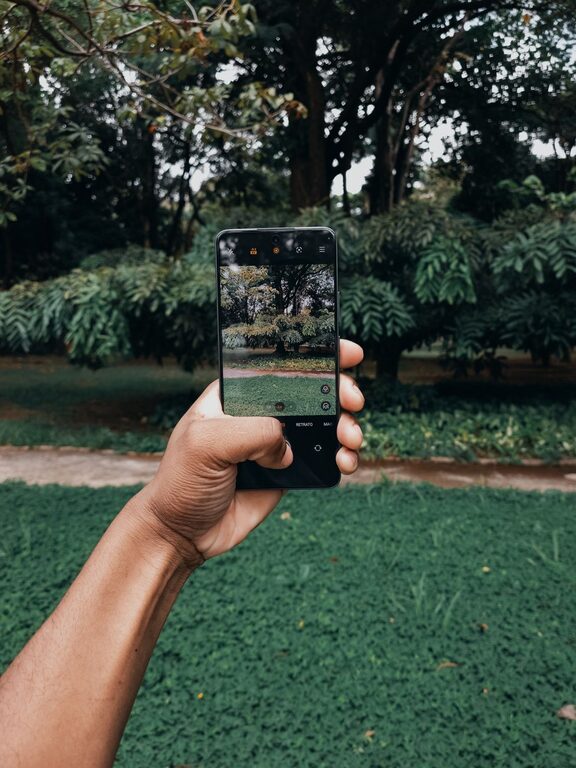
Photography with smartphones has become a popular way to capture everyday moments, special occasions, and beautiful scenes. Whether you’re new to phone photography or just looking to sharpen your skills, there are simple tips you can follow to take better photos. In this guide, we’ll cover easy-to-understand advice that helps you make the most of your smartphone’s camera features and improve your images.
Understand Your Phone Camera Basics
Before jumping into photography tips, it’s important to familiarize yourself with your phone’s camera settings and features. Most smartphones offer auto mode, but exploring additional options can enhance your photos.
– Explore the camera app: Check for modes like portrait, night, panorama, and pro/manual mode.
– Learn about resolution: Higher resolution means more detail, but it also uses more storage.
– Understand focus and exposure: Tap on the screen to focus on your subject and adjust brightness if needed.
Getting comfortable with these basics sets the foundation for better photos.
Use Natural Light Whenever Possible
Lighting plays a crucial role in photography. The best photos usually have good lighting, and natural light is often the most flattering and accessible.
– Shoot in daylight: Morning and late afternoon light (golden hour) create soft, warm tones.
– Avoid harsh midday sun: Bright overhead sunlight can cause harsh shadows and glare.
– Use shade for even light: If the sun is too strong, move your subject to a shaded area.
– Avoid flash: Phone flash can create unnatural colors and flat images.
By paying attention to how light falls on your subject, you can create more appealing photos.
Keep Your Lens Clean
A simple but often overlooked step is keeping your camera lens clean. Phone lenses can quickly accumulate fingerprints, dust, and smudges, which reduce photo clarity.
– Use a microfiber cloth: Gently wipe the lens before shooting.
– Avoid dirty surfaces: Place your phone on a clean surface to prevent dust buildup.
– Check the lens regularly: Especially if your photos look hazy or blurry.
Clean lenses help your camera capture sharper and clearer images.
Compose Your Shots Thoughtfully
Composition is how you arrange elements in your photo. Good composition guides the viewer’s eye and makes your photo more interesting.
– Follow the rule of thirds: Imagine your frame divided into a 3×3 grid and place your subject along these lines or at their intersections.
– Leading lines: Use roads, paths, or fences that lead toward the subject.
– Frame your subject: Use natural frames like doorways, windows, or branches.
– Simplify the background: Avoid clutter so the focus stays on the subject.
– Try different perspectives: Shoot from low angles, high angles, or close-ups to add variety.
Experimenting with composition will help you create visually appealing photos.
Hold Your Phone Steady
Blurry photos are often caused by shaky hands. Keeping your phone steady improves sharpness and detail in your images.
– Use both hands: Hold your phone firmly with both hands for stability.
– Lean on a solid surface: Rest your elbows or lean against a wall to reduce shake.
– Enable image stabilization: Some phones have built-in stabilization features accessible in settings.
– Use a tripod or stand: For longer exposures or night shots, a tripod can be a game-changer.
A steady phone helps you take crisp, clear photos every time.
Experiment With Editing Apps
Editing is a great way to enhance your photos after taking them. Most smartphones come with basic editing tools, and many free apps offer more advanced options.
– Crop and straighten: Improve composition by cropping out distractions and aligning the horizon.
– Adjust brightness and contrast: Make your image lighter or darker and improve color balance.
– Enhance colors: Boost vibrancy or saturation to make colors pop naturally.
– Use filters sparingly: Filters can add style but avoid overdoing it to keep photos realistic.
– Remove unwanted objects: Some apps let you erase small distractions from the background.
Editing lets you polish your photos and express your creative vision.
Save and Share Your Best Photos
Once you’ve taken and edited your photos, it’s rewarding to share them with friends or online communities.
– Back up your photos: Use cloud services or backup apps to keep your images safe.
– Share on social media: Platforms like Instagram and Facebook are great for sharing your work.
– Join photography groups: Engaging with others lets you learn, get feedback, and stay inspired.
– Print your favorite shots: Physical prints are wonderful keepsakes and gifts.
Regularly reviewing and sharing your photos motivates you to keep improving.
—
By following these beginner tips, you’ll develop your phone photography skills and start capturing better images effortlessly. Remember, practice is key. The more photos you take, the better you’ll understand your phone camera’s capabilities and your own creative style. Happy shooting!